
Compare the Complete Requirement
Bring the equipment list, expected duty and site details. Ask for a proposal that identifies exact models, accessories and installation requirements.
NASHIK · SINCE 2000
Define the content, users, rooms and operating hours. Compare hardware, controls, software and installation as a compatible system for your business.
Commercial Display and Business Electronics
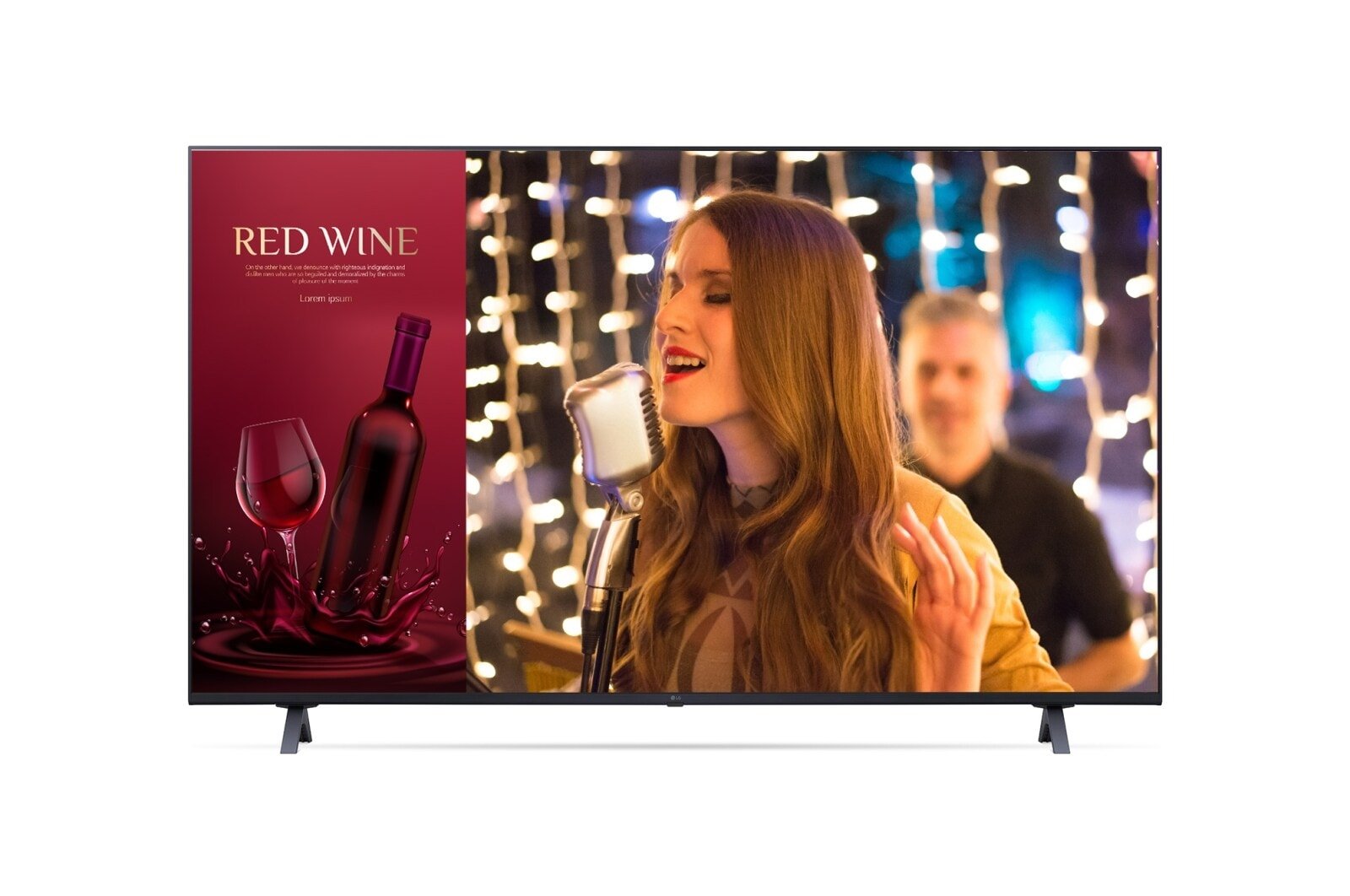
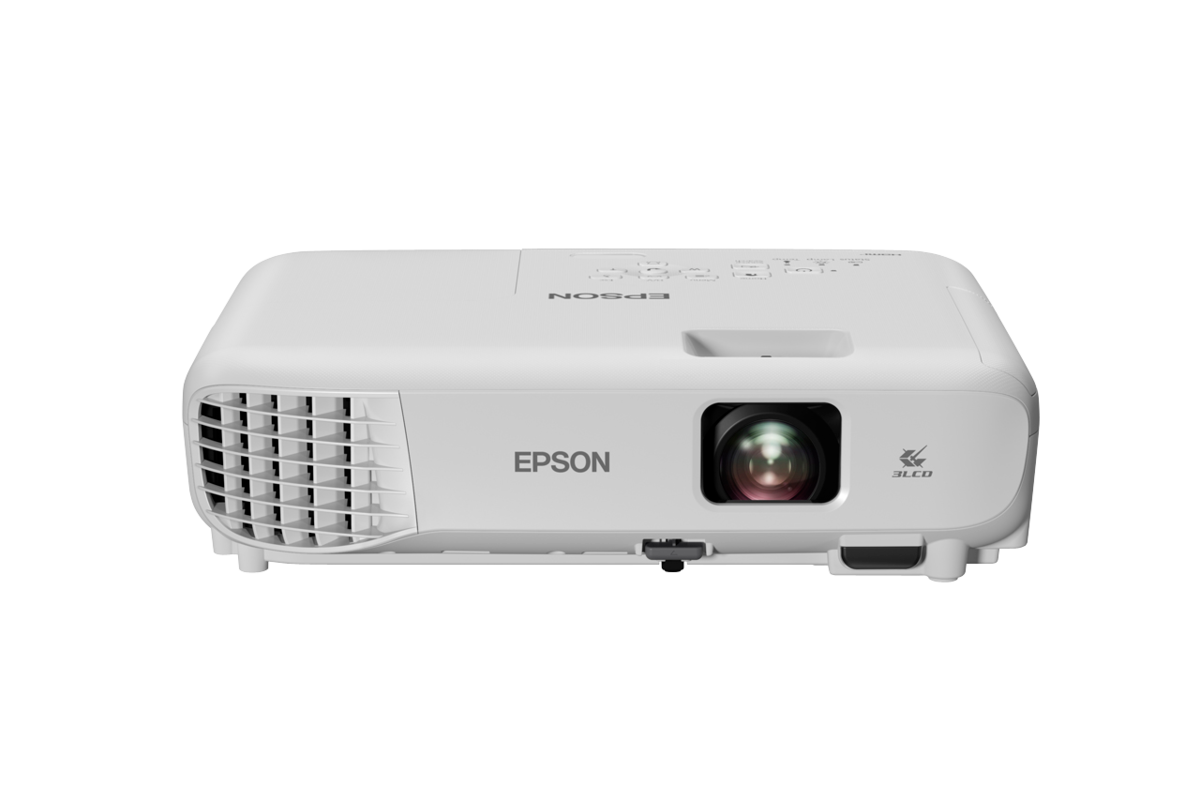
Manufacturer equipment references illustrate selected families. Exact models, suitability and availability are confirmed for your enquiry.
Equipment considered against the task and operating brief.
Layout, access and utilities inform the proposal.
Inclusions, exclusions and responsibilities stated together.
Availability and support checked for the exact requirement.
Bring the equipment list, expected duty and site details. Ask for a proposal that identifies exact models, accessories and installation requirements.
Agree delivery timing, site readiness, commissioning where required, and the route for warranty or service support.
Prices, taxes, payment terms, delivery timing and any additional work are confirmed in the written quotation.
Explore relevant manufacturer references for selected equipment within this range.
1 brands · Select a brand to discuss your requirement
References cover selected equipment, not every item on this page. Exact-model availability, suitability and support are confirmed for your enquiry; no dealer authorisation is implied.
Select the equipment type that fits your project brief. Exact models and available supply or support are checked for your requirement.
Representative LG commercial signage display.Displays intended for commercial signage use.
Discuss options →Ask about Commercial signage displays →Share screen size, operating hours, brightness needs and orientation. Confirm commercial-use rating, media control, mounting and warranty terms for the exact model.
Representative digital menu boards. Exact model, configuration and availability are confirmed on enquiry.Menu display across one or several counters.
Discuss options →Ask about Digital menu boards →Provide screen count, viewing distance and how menus will be updated. Confirm commercial display suitability, content management, players, networking and mounting scope.
Interactive displays for teaching or meetings.
Discuss options →Ask about Interactive flat panels →Describe room size, software, devices and collaboration tasks. Confirm touch functions, ports, accessories, mounting and licensing in the quoted configuration.
Multi-screen display designed as one system.
Discuss options →Ask about Video walls →Send wall dimensions, viewing distance and source content. Confirm panel arrangement, controller, mounting, power, ventilation and installation or calibration scope.
TV installations for hospitality use.
Discuss options →Ask about Hotel and hospitality TVs →Share room count, required channels or apps and central-control needs. Confirm hospitality functions, connectivity, licensing and commercial warranty terms by model.
Representative corporate and education projector — Epson.Projection for the room and intended content.
Discuss options →Ask about Projectors and projection screens →Provide room dimensions, ambient light, screen size and mounting distances. Select projector, lens where applicable, screen and connections as one compatible setup.
Meeting-room audio and video around a defined workflow.
Discuss options →Ask about Conference-room audio and video systems →Send room layout, participant count and conferencing platform. Confirm microphones, cameras, speakers, connections, licences and installation or testing responsibilities.
Announcements and paging for the occupied areas.
Discuss options →Ask about PA systems and paging speakers →Share zones, background noise and message requirements. Ask for a matched amplifier, speaker, microphone, cabling and control proposal for the intended use.
Queue information and token calling.
Discuss options →Ask about Queue and token display systems →Describe counters, ticketing flow and display locations. Confirm controller, calling method, software, network needs and support for the chosen workflow.
Attendance or access control for specified users and doors.
Discuss options →Ask about Biometric attendance and access-control systems →Share user count, door hardware and reporting requirements. Confirm device/software compatibility, installation, access permissions and the organisation's data-handling requirements.
Entry communication and compatible locking.
Discuss options →Ask about Video-door phones and smart locks →Provide door or gate details, user units and network or wiring availability. Confirm lock fit, power backup, access method and installation responsibilities.
Send your application, equipment list and site details. Ask what can be sourced and what needs specialist assessment.
Discuss Your Requirement →Use the same requirement when comparing equipment and written proposals.
| Decision | Information to provide | What to confirm |
|---|---|---|
| Use, screens and users | Display content, room or counter count, users and operating hours | Exact model suitability and performance at the stated duty |
| Layout and connectivity | Viewing distances, mounting, power, network and software requirements | Installation requirements and responsibility for site work |
| Complete supply | Equipment, accessories, consumables and delivery location | Included items, exclusions, lead time and quotation validity |
| After purchase | Daily operation, cleaning and support expectations | Commissioning, training, warranty route and service scope |
No model rating, stock position or installation inclusion is implied by this overview.
Send the equipment need, operating brief and site details.
Review exact-model suitability, sourcing and the complete scope.
Confirm price, timing, responsibilities and exclusions in writing.
Schedule only the supply and services agreed in the accepted proposal.
Collect the application and site details to make the first discussion useful.
Review and edit before adding it to your enquiry or opening WhatsApp.
Your measurements and notes stay on this page until you choose to send them. Only model shortlist IDs are saved on this device.
Choose the payment, exchange, installation or care details you want in your quotation.
Benefits, eligibility, fees and dates appear in the applicable written quotation. Selecting an option does not confirm a discount or finance approval.
The same equipment family can have different requirements in different working environments.
Share the intended signage or menu display use, equipment duty and site constraints. Confirm the proposed scope before equipment is selected.
Share the intended meetings or education use, equipment duty and site constraints. Confirm the proposed scope before equipment is selected.
Share the intended hospitality or paging use, equipment duty and site constraints. Confirm the proposed scope before equipment is selected.
Share the intended access control or queue management use, equipment duty and site constraints. Confirm the proposed scope before equipment is selected.
Application · Equipment duty · Site provision · Agreed scope
Discuss Your Application →Supply, installation and specialist work are confirmed separately for the selected equipment and location.
Application, capacity and operating conditions.
Exact models and their supported uses.
Access, space, utilities and mounting.
Lead time, handling and positioning.
Agreed checks, settings and handover.
Warranty terms, consumables and service arrangements.
Ask for model availability, delivery timing and the parties responsible for supply and any specialist work.
Discuss Availability →Clarify training, cleaning, maintenance, parts and warranty requirements for the exact equipment.
Discuss Support →Visit our showroom or get in touch. We're here to help.
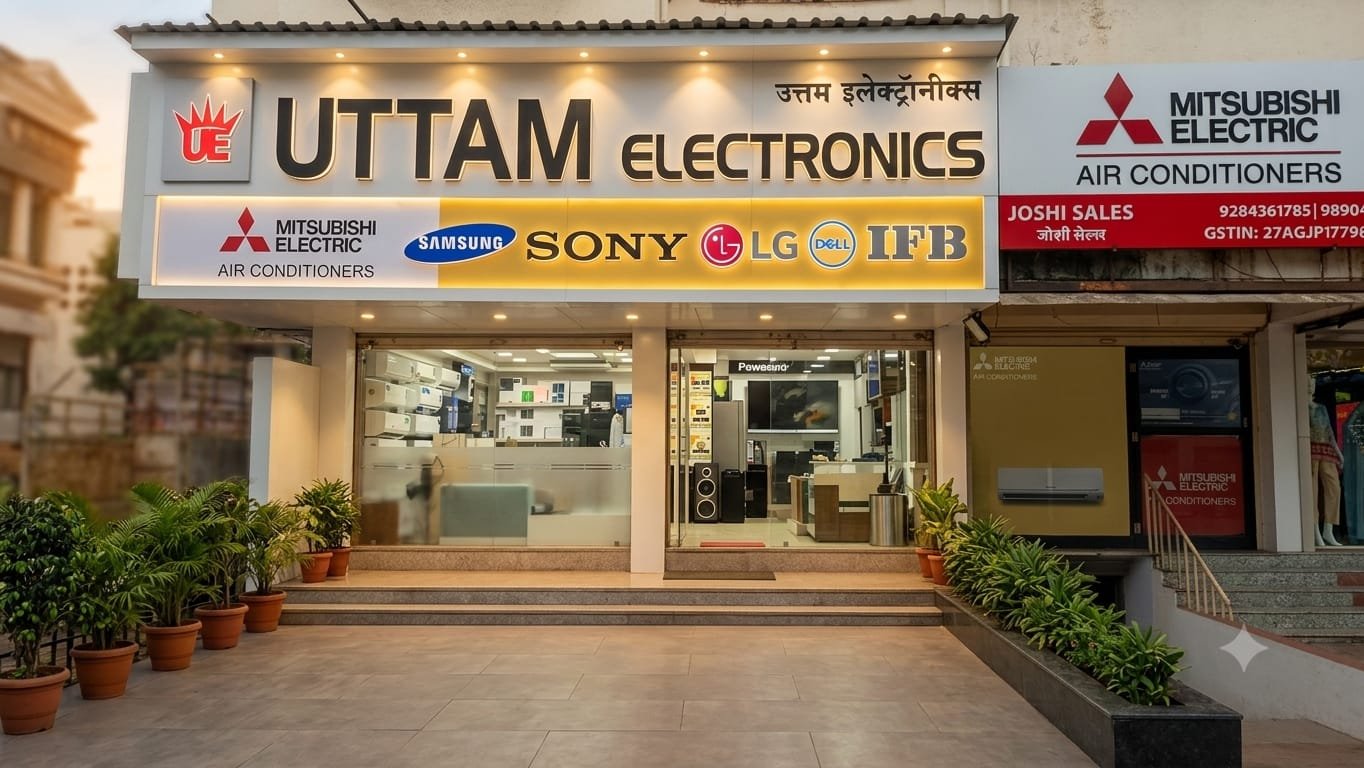
Opp. Business Square, near Church,
next to Abhyuday Bank
Open daily · 10 AM – 9 PM
Share the equipment, operating brief and location. Ask for availability and a clearly scoped proposal.
No assumption should be made. Check operating-hour rating, orientation, brightness needs, control functions, content management and commercial warranty terms for the exact display and application.
This is an enquiry range, not a live stock list. Share the exact requirement; model availability, sourcing route, delivery timing and application suitability are confirmed before a quotation is accepted.
Use, screens and users: Display content, room or counter count, users and operating hours. Layout and connectivity: Viewing distances, mounting, power, network and software requirements. Add your location, target date, preferred make or model and any specification or drawing.
Only the work listed in the accepted quotation is included. Ask who supplies, installs, commissions and supports the equipment, with utilities, site work, training, consumables and exclusions stated separately.
Talk through your equipment brief with Uttam Electronics at Canada Corner. Call 8007287898.
Call 8007287898